Shizuku for Developers, Binder IPC, app_process, User Services, rish & Sui
Your users are hitting permission denials in production and the stack trace tells you nothing. That specific frustration sends most developers here. Shizuku for developers is an API surface, Binder IPC through app_process, user services, the rish shell bridge, and this post goes under the hood: how the privilege flows, what your app actually receives, and the integration mistakes behind those mysterious denials.

Written by Omer Akbar, Author & SEO Expert - Fact-checked by Editorial Reviewer, 23 Nov 2026 - How we fact-check
Quick Answer, Shizuku for developers
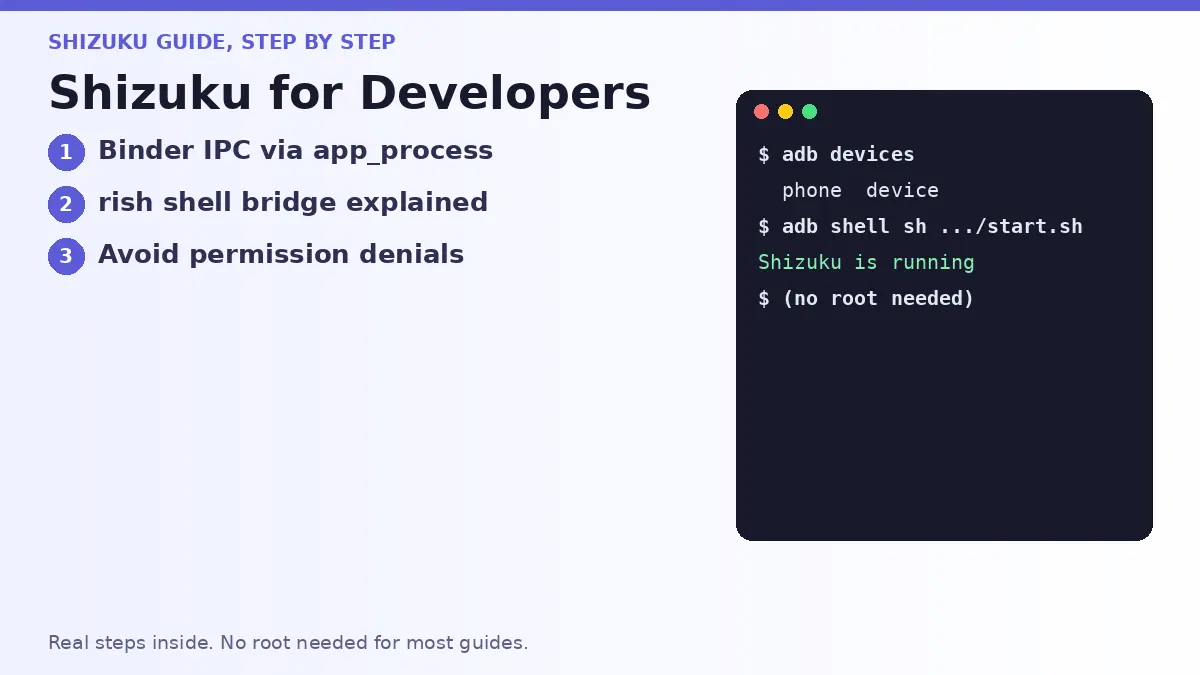
Shizuku for developers in short: one app_process server holds the privileged Binder; apps bind to it and call system APIs directly, which is why it is fast and stable compared with shell-command wrappers. Developers write against the Shizuku API once, and the same code works against the Shizuku app or Sui. User Services let an app run its own code inside the privileged process,
How the bridge actually works, end to end
Shizuku for developers starts with one process. When Shizuku starts, by ADB, wireless debugging or root, it launches a Java server through app_process, running with the shell identity (UID 2000) in ADB mode or as root (UID 0) in root mode. That server is the whole product. The manager app you see is mostly a starter and a permission list; the Binder the server holds is what apps actually use.
At start-up, each authorised app receives that Binder. From then on, the app calls system services through it, and the system sees the server's identity, not the app's. That single design decision explains both the power and the limit: an app can do anything the shell can do, and nothing the shell cannot. There is no exploit and no privilege escalation, the server legitimately holds shell privileges because ADB started it.
| Provider | Identity | Starts how | Your code changes? |
|---|---|---|---|
| Shizuku (ADB mode) | Shell, UID 2000 | Wireless debugging or PC command; stops at reboot | - |
| Shizuku (root mode) | Root, UID 0 | "Start via Root" in the manager app | No |
| Sui (Magisk module) | Root, UID 0 | Always on after boot, no manager app | No |
Binder IPC vs shell-command wrappers
The older pattern for "ADB-powered" apps was to spawn shell commands, parse text output, and hope the format never changed. Shizuku replaces that with direct Binder IPC: typed calls to the same system services Android itself uses. Calls are fast, failures come back as real exceptions instead of mangled text, and an app can hold a service reference instead of re-spawning a process for every action.
But there is a discipline to it. The app is calling hidden and internal APIs that were never designed as a public SDK, so behaviour can shift between Android versions, Android 17's hidden-API change, which broke authorisations in the official build, is exactly that risk arriving on schedule. Defensive coding is not optional: check the Shizuku state before every privileged call, handle the server being dead, and never assume a call that worked on Android 15 behaves identically on 17.
User Services: running your code inside the privileged process
Sometimes a Binder call is not enough, an app needs to run its own logic at shell level, continuously or with direct access to local sockets and files. That is what User Services are for: a companion app can bind a service that runs inside the Shizuku server process, with the server's identity. It is the heaviest tool in the API, and the one to reach for last, because code inside the server shares the server's fate and its trust.
This is also the feature hit by MediaTek bug #1198 in official 13.6.0, where User Services fail on MediaTek devices, one of the concrete reasons the forks exist. If your app depends on a User Service, test on a MediaTek phone early, and read the MediaTek notes before you ship. thedjchi 13.7.0 fixed #1198; the official build, as of the last check, has not.
rish: the shell component, and Termux
rish is Shizuku's shell component: a small binary-plus-script pair that an app or a terminal can use to run commands with the server's privileges. Its best-known home is Termux, where rish turns the terminal into a shell-level environment, package operations, settings changes, logcat, without root. aShell You builds the same idea into a dedicated app for people who do not live in Termux.
For developers, rish is also the fastest debugging tool in this ecosystem. If a Binder call misbehaves, running the equivalent operation through a rish shell shows you the shell-level result directly, with the same identity your app would have. Shizuku-Next goes further and adds ADB modules and a built-in shell, covered on the Shizuku-Next page, but the plain rish in the official project is enough for most debugging.
Sui: the same API, as root, with no manager app
Sui is RikkaApps' Magisk module that provides the same Shizuku API at root level. There is no manager app and no ADB start: the module is simply there after boot, and apps written against the Shizuku API work against it unchanged. Write once, and your app runs on ADB-mode Shizuku (UID 2000), root-mode Shizuku, and Sui (UID 0), the provider differs, your code does not.
That portability has a testing cost. Code that "works" on your rooted test phone may be silently relying on UID 0. Always test against ADB mode, where the ceiling is the shell: no private-data access for other apps, no SELinux bypass, no writing to protected partitions. The full comparison of the three providers is in Shizuku vs Dhizuku vs Sui, and the privilege ceiling itself is spelled out in Shizuku vs root.
Authorisation, lifecycle, and not annoying the user
An app only gets the Binder after the user approves it inside Shizuku, and the user can revoke that approval at any time. Design for all three states, not approved, approved but server stopped, and fully live, because users meet all of them, usually in that order. The server stops at every reboot in ADB mode, so "it worked yesterday" is a normal support message, not an edge case.
And keep the ask honest. Your app should explain, in one sentence, why it wants shell-level access before it triggers the approval prompt, and it should degrade gracefully, reduced features, not a dead end, when the user says no. Fork additions like watchdog restarts, TCP mode and stealth mode change the lifecycle again; they are compared in official vs forks. The API itself, with samples, lives in the official RikkaApps/Shizuku project on GitHub, the same repository this site links for downloads.
Frequently Asked Questions
How does Shizuku work technically?+
Shizuku starts one Java server process through app_process, running as shell (UID 2000) in ADB mode or root (UID 0) in root mode. At start-up the server hands its Binder to each authorised app, and the app calls system services through that Binder, so the system sees the server's identity, not the app's. There is no exploit; ADB itself starts the server.
What is rish?+
rish is Shizuku's shell component, the piece that exposes a Shizuku-backed shell to other apps and terminals. Its best-known use is in Termux, where it gives the terminal shell-level powers without root: package operations, settings, logcat. Developers also use it to debug, because a rish shell shows exactly what an app would see at shell level with the same identity.
What are Shizuku User Services?+
User Services let a companion app run its own code inside the privileged Shizuku server process, with the server's identity, instead of only calling system services through the Binder. They suit heavier or continuous jobs. They are also the feature broken on MediaTek devices by bug #1198 in official 13.6.0, fixed in thedjchi fork, still open in the official build.
Do developers need different code for Sui?+
No. Sui, RikkaApps' Magisk module, provides the same Shizuku API at root level, so an app written against the API works against the Shizuku app in ADB mode, Shizuku in root mode, and Sui, unchanged. The catch is testing: code developed on a rooted phone can silently rely on UID 0, so always test in ADB mode, where the ceiling is the shell.
Where is the Shizuku API documented?+
In the official RikkaApps/Shizuku project on GitHub, the API library, samples and the developer documentation live in the same repository this site links for downloads. Start from the repository's developer section, add the API dependency, and handle the three states every app meets: not authorised, authorised but server stopped, and live.
Why did Android 17 break Shizuku authorisations?+
Because apps are calling hidden and internal system APIs through the Binder, and Android 17 changed hidden-API behaviour while Local Network Protection interfered with pairing. The result, tracked as issue #2180, is that official 13.6.0 shows no authorised apps on Android 17. The forks fixed it; the official build had no developer reply at the last check.
About this guide
Shizuku for developers: how the Binder IPC bridge and app_process server work, User Services, the rish shell in Termux, the Shizuku API, and how Sui reuses the same API as root. This guide is part of shizukuapk.pages.dev, an informational resource about Shizuku APK by Xingchen & Rikka (RikkaApps). It does not host the APK file, downloads link to the official GitHub releases page.
Version, size and hash figures are dated 23 Nov 2026, re-check the GitHub releases page before installing.
Related Guides
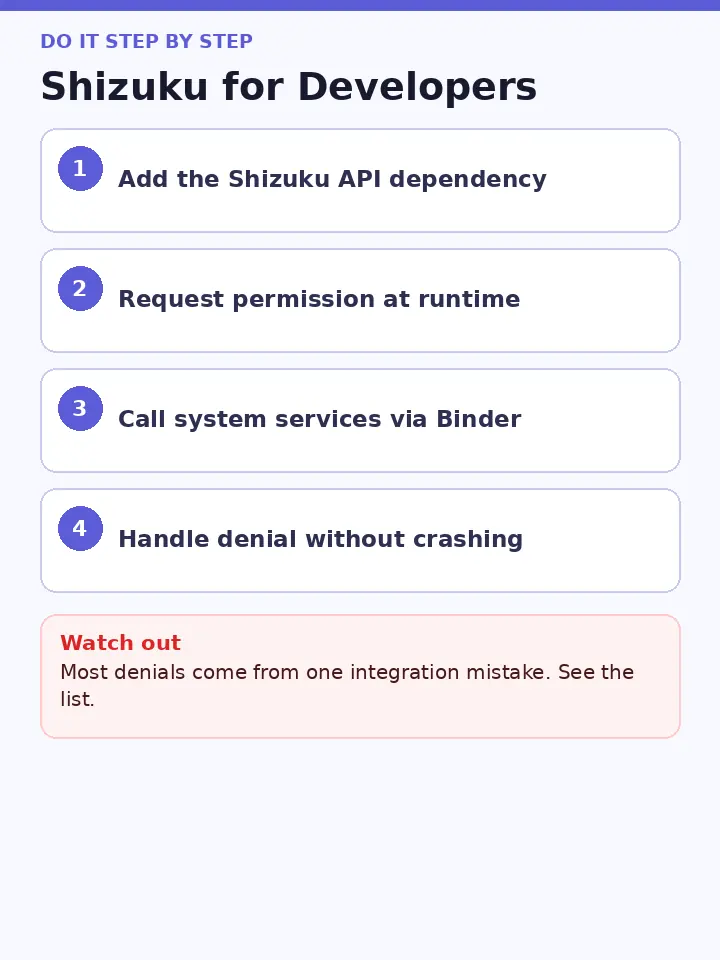
The short version, steps only
No time to read the whole post? Do exactly this, in this order:
- Add the Shizuku API dependency
- Request permission at runtime
- Call system services via Binder
- Handle denial without crashing
Fact-Check, Verified 23 Nov 2026
Fact-checked by Editorial Reviewer (Reviewer & Editor), 23 Nov 2026 - Written by Omer Akbar. The claims on this page, versions, dates, hashes and compatibility statements, were checked against the primary sources on our Sources page, following our Fact-Checking Policy and classified under our Editorial Policy (Official / Reported / Rumor). Found an error? Tell us and it will be re-verified and corrected on this page.