Shizuku Wireless Debugging Video, Watch the Android 16 Setup in 3 Minutes
A Shizuku wireless debugging video helps where text alone fails: you can watch the pairing code appear, watch the Start button turn green, and copy the exact taps instead of guessing from a screenshot. This page points you to the one setup video verified live on 23 November 2026, and gives you the same steps in writing underneath it.

Written by Omer Akbar, Author & SEO Expert - Fact-checked by Editorial Reviewer, 23 Nov 2026 - How we fact-check
Quick Answer, Shizuku wireless debugging video
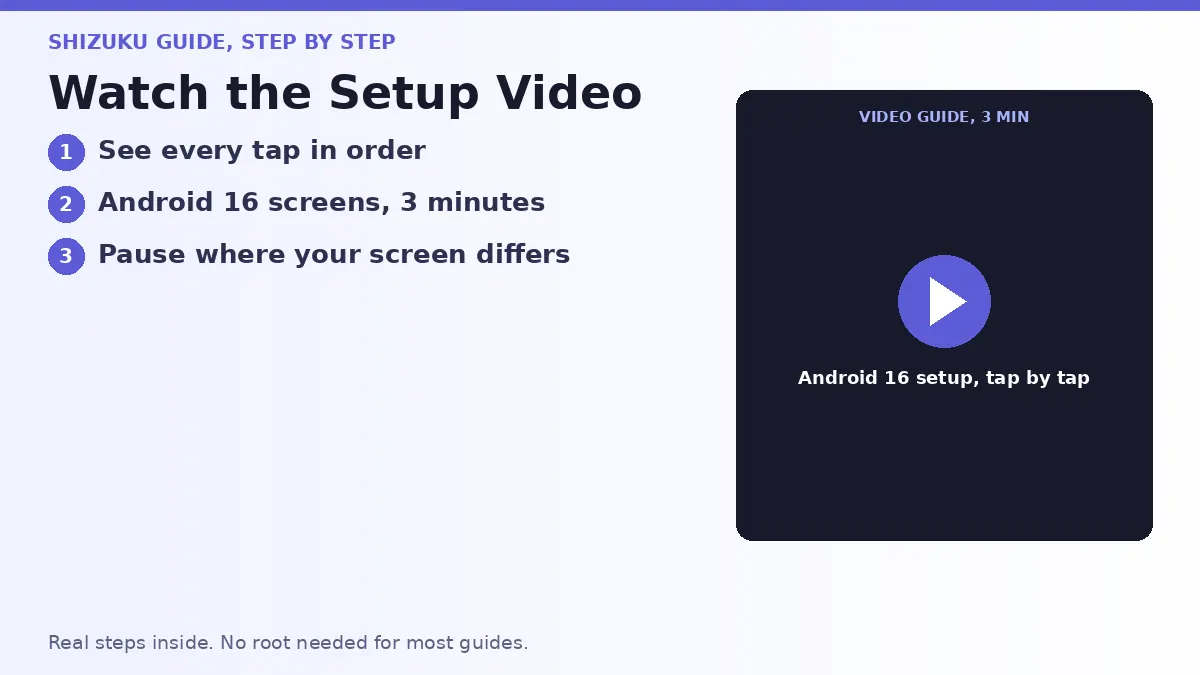
The Shizuku wireless debugging video to watch first is OnZan's "The Only Way To Setup Shizuku On Android 16", 3 minutes 8 seconds, 182K views, verified live 23 November 2026. It shows the exact wireless-debugging flow on Android 16: install Shizuku, enable Developer Options and Wireless debugging, pair with the 6-digit code, and tap Start. On Android 17, watch a fork setup instead.
The video to watch first, OnZan
"The Only Way To Setup Shizuku On Android 16" by OnZan (3:08, 182K views, 197 comments, verified 23 Nov 2026) shows the official-build flow on a phone where it still works. Watch on YouTube
The same steps in writing
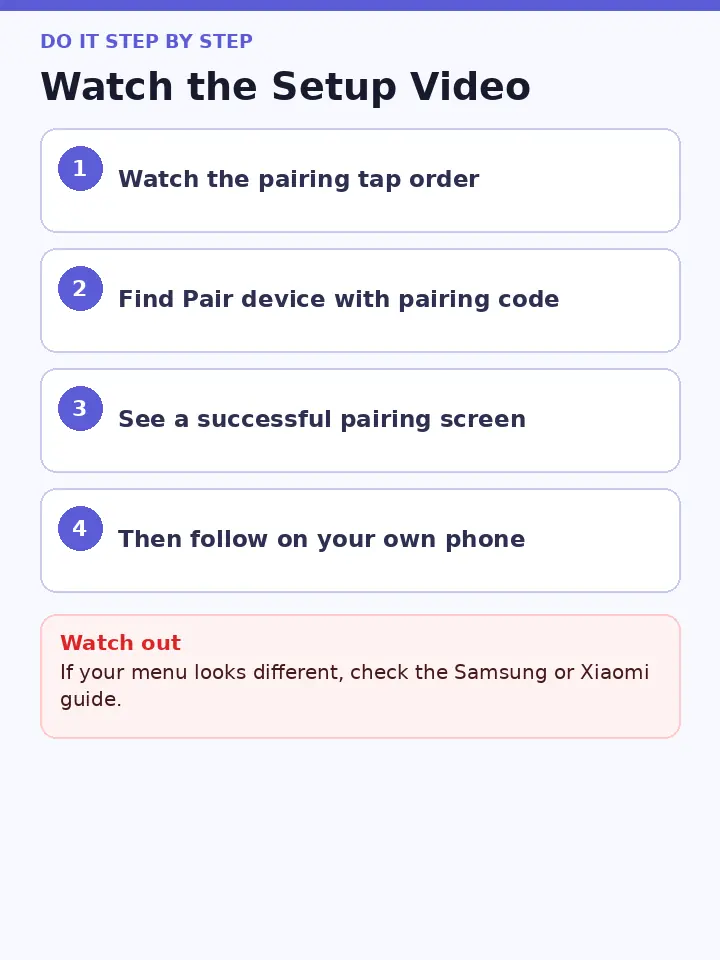
1. Install Shizuku from GitHub. 2. Enable Developer Options and Wireless debugging. 3. Pair with the fresh 6-digit code. 4. Tap Start. 5. Approve Canta and remove one safe app. That is the whole job in about five minutes. Written guide with fixes: wireless debugging setup.
What viewers asked in the comments, and the answers
The comments repeat the same three problems: "wireless debugging searching dikhake start nahi ho raha", that is the pairing service block, fixed on the pairing code page. "Redmi 9 me nahi hota hai", see the Redmi 9 answer in the Xiaomi guide. And gaming apps stopping when Shizuku stops, that is the reboot rule; use trusted Wi-Fi auto-start.
When the video does not match your phone
On Android 17 the official-build video will not match your screen, the build is broken there and you need a fork: Android 17 guide. On Samsung and Xiaomi, brand switches come first: Samsung - Xiaomi. Note: this page does not reproduce a transcript of the video, the steps above are this site's own written guide to the same flow.
Frequently Asked Questions
Which Shizuku wireless debugging video should I watch first?+
OnZan's "The Only Way To Setup Shizuku On Android 16", verified live 23 Nov 2026, 3:08, showing the exact pairing and Start flow.
Does the OnZan video work for Android 17?+
No. It shows the official build, which is broken on Android 17. Follow the fork setup in the Android 17 guide instead.
How long does Shizuku setup take with the video?+
About five minutes end to end when the pairing code behaves, the video itself is 3 minutes 8 seconds.
Why does my phone get stuck on "Searching for pairing service"?+
Battery restrictions, a VPN, or a corrupted pairing state. Fixes are on the pairing code page.
Can I set up Shizuku without wireless debugging?+
Yes, from a PC over ADB. See PC ADB setup.
About this guide
The Shizuku wireless debugging video to watch first: OnZan's Android 16 setup (3:08, 182K views, verified 23 Nov 2026), with the same steps in writing and answers to viewer questions. This guide is part of shizukuapk.pages.dev, an informational resource about Shizuku APK by Xingchen & Rikka (RikkaApps). It does not host the APK file, downloads link to the official GitHub releases page.
Version, size and hash figures are dated 23 Nov 2026, re-check the GitHub releases page before installing.
Related Guides
Fact-Check, Verified 23 Nov 2026
Fact-checked by Editorial Reviewer (Reviewer & Editor), 23 Nov 2026 - Written by Omer Akbar. The claims on this page, versions, dates, hashes and compatibility statements, were checked against the primary sources on our Sources page, following our Fact-Checking Policy and classified under our Editorial Policy (Official / Reported / Rumor). Found an error? Tell us and it will be re-verified and corrected on this page.