Shizuku Pairing Code Not Working? 8 Fixes That Actually Work (2026)
Shizuku pairing code not working is the most common place a Shizuku setup dies, and also the most fixable. The pairing step looks simple: Shizuku shows a 6-digit code, you type it in, and the phone pairs with itself over wireless debugging. But the code expires fast, the code box sometimes never appears, and a VPN, a battery setting or a Smart Switch transfer can break the handshake.

Written by Omer Akbar, Author & SEO Expert - Fact-checked by Editorial Reviewer, 23 Nov 2026 - How we fact-check
Quick Answer, Shizuku pairing code not working
Shizuku pairing code not working is usually a stale code, a missing code box, or a blocked pairing service. Generate a fresh 6-digit code and enter it at once, without leaving the pairing screen. If the code box never appears, check Shizuku's notification permission on Android 13+ and switch MIUI notification style to Android.
Fixes 1-3: fresh code, notification permission, MIUI style
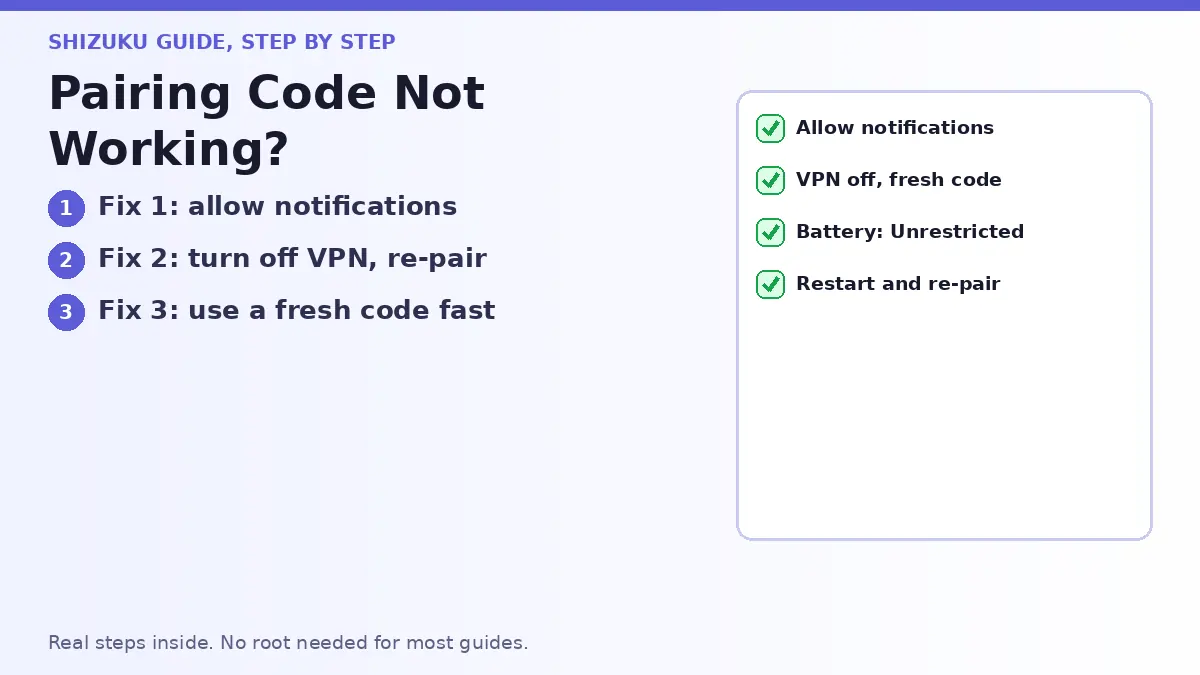
1. Generate a fresh code and enter it at once, a code from an earlier attempt will not work, and do not leave the pairing screen. 2. On Android 13+, check that Shizuku has notification permission, or the code box never appears. 3. On MIUI / HyperOS, switch the notification style to Android style so the pairing-code box shows, see the Xiaomi guide.
Fixes 4-6: VPN off, forget & re-pair, background access
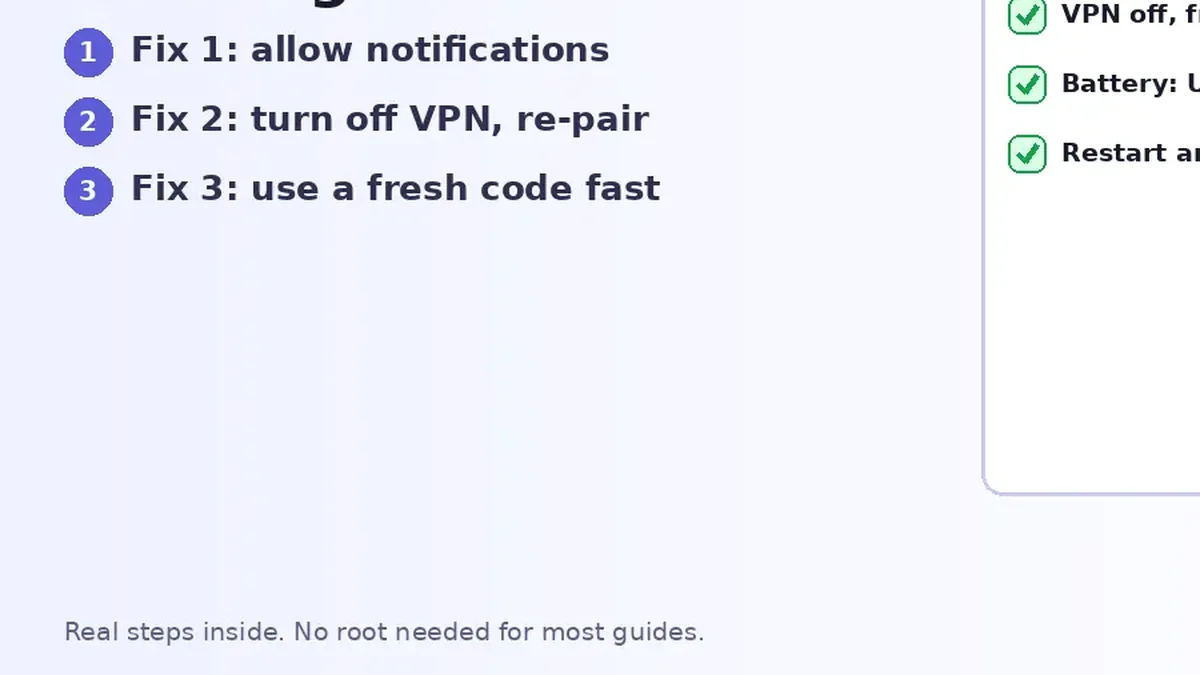
4. Turn off any VPN while you pair, VPNs break the mDNS pairing service, worst on GrapheneOS. 5. Forget the paired device in Wireless debugging and pair again from scratch, especially after a Samsung Smart Switch transfer. 6. Allow Shizuku to run in the background with Unrestricted battery, or pairing stalls on "Searching for pairing service".
Fixes 7-8: Samsung Auto Blocker & the version check
7. On Samsung, turn off Auto Blocker before you pair, it can grey out wireless debugging: Samsung guide. 8. Check your version: on Android 17 and on MediaTek phones the official build cannot pair or start properly, install a fork: Android 17 - MediaTek.
What the error messages mean
"Please go through the pairing step first" means the phone is not paired yet, even if wireless debugging looks on, pair first, then tap Start. "Searching for pairing service" means the pairing service is blocked or the app is battery-restricted. Full diagnostic: Shizuku not working. Setup walkthrough: wireless debugging guide.
Frequently Asked Questions
Why is my Shizuku pairing code not working?+
Most often the code expired, the code box never appeared, or a VPN / battery setting blocked pairing. Work through the 8 fixes above in order.
Why does the pairing code box never appear?+
Check Shizuku's notification permission on Android 13+. On MIUI / HyperOS, switch notification style to Android style.
What does "Searching for pairing service" mean?+
Shizuku cannot reach the wireless-debugging pairing service, usually battery restrictions, a VPN, or a corrupted pairing state after Smart Switch. Forget the device and re-pair.
How long does a Shizuku pairing code last?+
Only briefly, codes expire fast. Generate a fresh one and enter it immediately without leaving the screen.
Can I pair Shizuku without Wi-Fi?+
No. Pairing needs Wi-Fi. Use a PC over ADB instead, see PC ADB setup.
About this guide
Shizuku pairing code not working? 8 fixes: fresh code, notification permission, MIUI notification style, VPN off, forget and re-pair, background access, Samsung Auto Blocker, and the fork check. This guide is part of shizukuapk.pages.dev, an informational resource about Shizuku APK by Xingchen & Rikka (RikkaApps). It does not host the APK file, downloads link to the official GitHub releases page.
Version, size and hash figures are dated 23 Nov 2026, re-check the GitHub releases page before installing.
Related Guides
Fact-Check, Verified 23 Nov 2026
Fact-checked by Editorial Reviewer (Reviewer & Editor), 23 Nov 2026 - Written by Omer Akbar. The claims on this page, versions, dates, hashes and compatibility statements, were checked against the primary sources on our Sources page, following our Fact-Checking Policy and classified under our Editorial Policy (Official / Reported / Rumor). Found an error? Tell us and it will be re-verified and corrected on this page.