Shizuku APK Old Version: Download Previous APKs Safely (2026)
A Shizuku APK old version is sometimes the right choice, and sometimes a trap. On MediaTek phones, some users report 13.5.4 works where official 13.6.0 fails. On older Android versions, an older build may be the only one that starts cleanly. And after a bad update, rolling back to a known-good build is a normal fix, not a hack.

Written by Omer Akbar, Author & SEO Expert - Fact-checked by Editorial Reviewer, 23 Nov 2026 - How we fact-check
Quick Answer, Shizuku APK old version
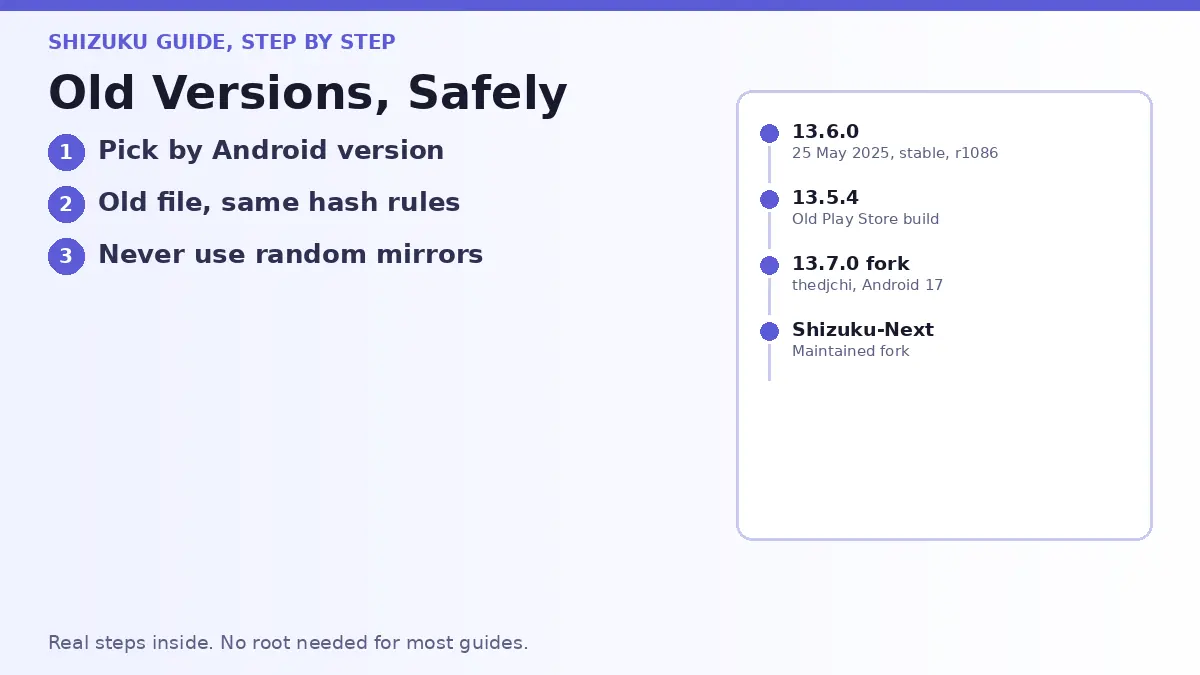
A Shizuku APK old version is worth using only for a named reason: a MediaTek bug, a specific regression, or an old Android version. The current official stable is 13.6.0 (r1086, 25 May 2025). Older builds miss Android 16 QPR1 support and trusted Wi-Fi auto-start. Download any old version only from the official GitHub releases page, and never install 13.6.0.r1091 thinking it is newer, it is a beta.
The archive table
13.6.0 (r1086), 25 May 2025, Android 7.0-16, current official stable, the default choice. 13.5.4, 10 Mar 2024, Android 7.0+, for MediaTek phones where 13.6.0 fails; it was also the Play build until Sep 2026. 13.5.3 (r1036), Dec 2023, older devices, rollback only. 13.5.1 / 13.5.0, 2023, rollback only, no new features.
When an old version is right, and when it is wrong
Right: a MediaTek bug, a specific regression in the current build, or an old Android version the new build will not start on. Wrong: downgrading "just in case", older builds miss Android 16 QPR1 support and trusted Wi-Fi auto-start, and no old official version works on Android 17. For Android 17 you need a fork, not an old build: Android 17 guide.
The beta trap: 13.6.0.r1091 is not a newer stable
13.6.0.r1091 is a beta build from July 2025, not a stable release newer than r1086, and "13.8.20" does not exist as an official version at all. If a site lists either as the latest stable, do not trust its download.
How to download and downgrade safely
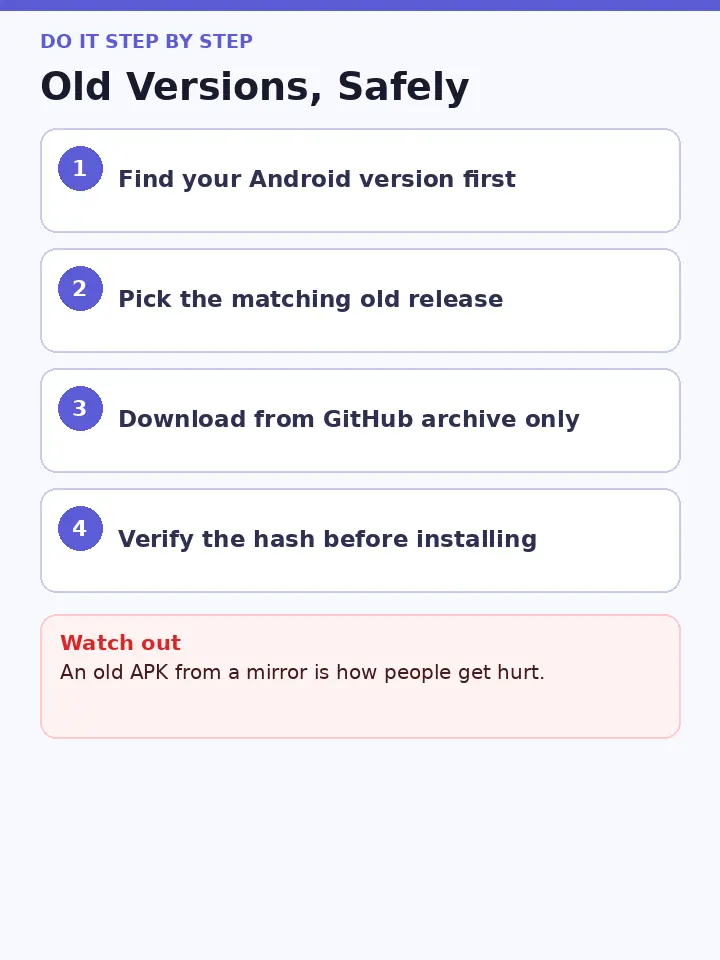
Download old versions only from the official GitHub releases page, pick the version from the releases list. To downgrade: back up nothing (Shizuku holds no data), uninstall the current build, install the older APK, pair and start again, then re-approve your apps. Verify the hash first: SHA-256 page.
Frequently Asked Questions
Which Shizuku APK old version should I download?+
Only the one matching your reason: 13.5.4 for the MediaTek workaround, 13.5.3 for old-device rollback. Otherwise stay on 13.6.0 (r1086).
Is it safe to install a Shizuku APK old version?+
Yes, from the official GitHub releases list, with the hash checked. Old builds are official, they are just old, with older bugs and no new Android support.
Is 13.6.0.r1091 a newer version than 13.6.0.r1086?+
No. r1091 is a beta, not a stable. r1086 (25 May 2025) is the current official stable.
Do I need to uninstall Shizuku before downgrading?+
Yes, Android will not install an older version over a newer one with the same signature. Uninstall, then install the older build and re-pair.
Does an old Shizuku version work on Android 17?+
No official version works on Android 17, old or new. Use Shizuku-Next or thedjchi 13.7.0.
About this guide
Shizuku APK old version archive: 13.6.0, 13.5.4, 13.5.3 and older, when a downgrade is the right choice, the r1091 beta trap, and how to download previous versions safely from GitHub. This guide is part of shizukuapk.pages.dev, an informational resource about Shizuku APK by Xingchen & Rikka (RikkaApps). It does not host the APK file, downloads link to the official GitHub releases page.
Version, size and hash figures are dated 23 Nov 2026, re-check the GitHub releases page before installing.
Related Guides
Fact-Check, Verified 23 Nov 2026
Fact-checked by Editorial Reviewer (Reviewer & Editor), 23 Nov 2026 - Written by Omer Akbar. The claims on this page, versions, dates, hashes and compatibility statements, were checked against the primary sources on our Sources page, following our Fact-Checking Policy and classified under our Editorial Policy (Official / Reported / Rumor). Found an error? Tell us and it will be re-verified and corrected on this page.