Shizuku MediaTek Not Working? Fix Bug #1198 on Dimensity Phones (2026)
Shizuku MediaTek not working is not your fault, and it is not a settings problem you missed. On Dimensity phones, official Shizuku 13.6.0 has a known bug, GitHub issue #1198, where user services fail and the app will not start properly. You can reinstall it ten times and get the same result, because the bug is in the build, not in your phone.

Written by Omer Akbar, Author & SEO Expert - Fact-checked by Editorial Reviewer, 23 Nov 2026 - How we fact-check
Quick Answer, Shizuku MediaTek not working
Shizuku MediaTek not working is caused by bug #1198 in official Shizuku 13.6.0, on Dimensity phones, user services fail and the app will not start properly. Reinstalling the official build will not help. Install thedjchi 13.7.0 or Shizuku-Next instead, after uninstalling the official build first, because forks use a different signing key. Some users report 13.5.4 works, but it is old and misses Android 16 support.
What bug #1198 actually does
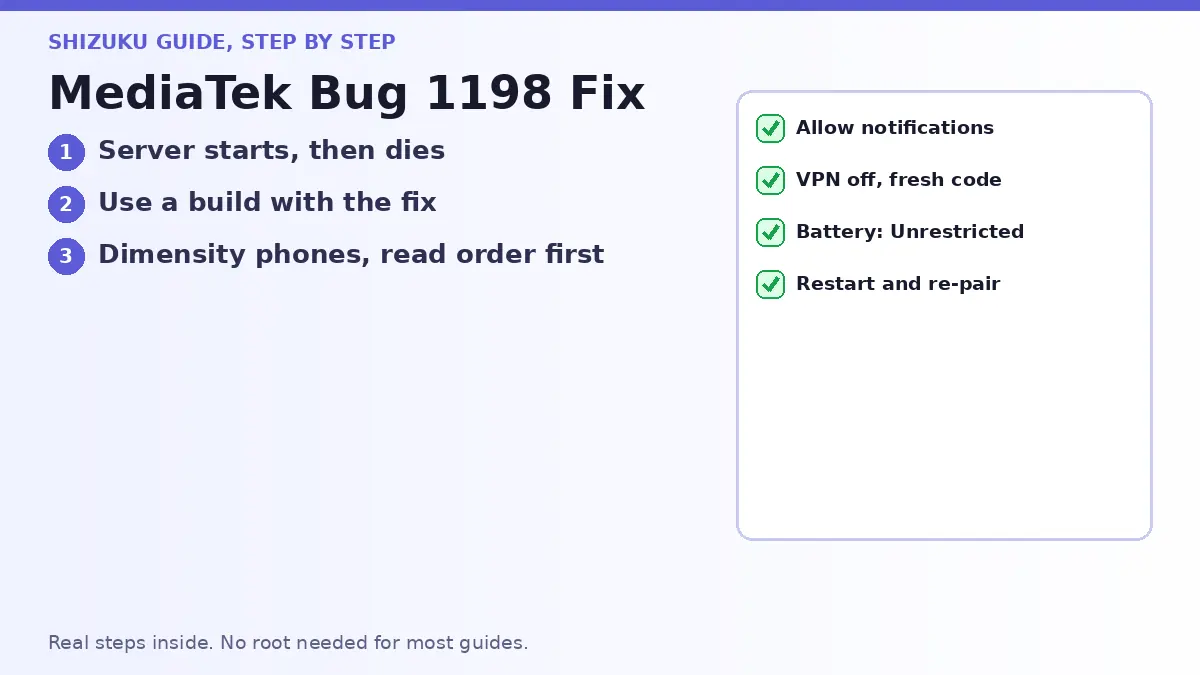
Bug #1198 breaks user services on MediaTek / Dimensity phones in official 13.6.0, so Shizuku will not start properly even when pairing succeeds. That is how you tell it apart from a normal setup failure: pairing works, settings are right, and it still fails, on a Dimensity phone, it is the bug.
The fix: install thedjchi 13.7.0 or Shizuku-Next
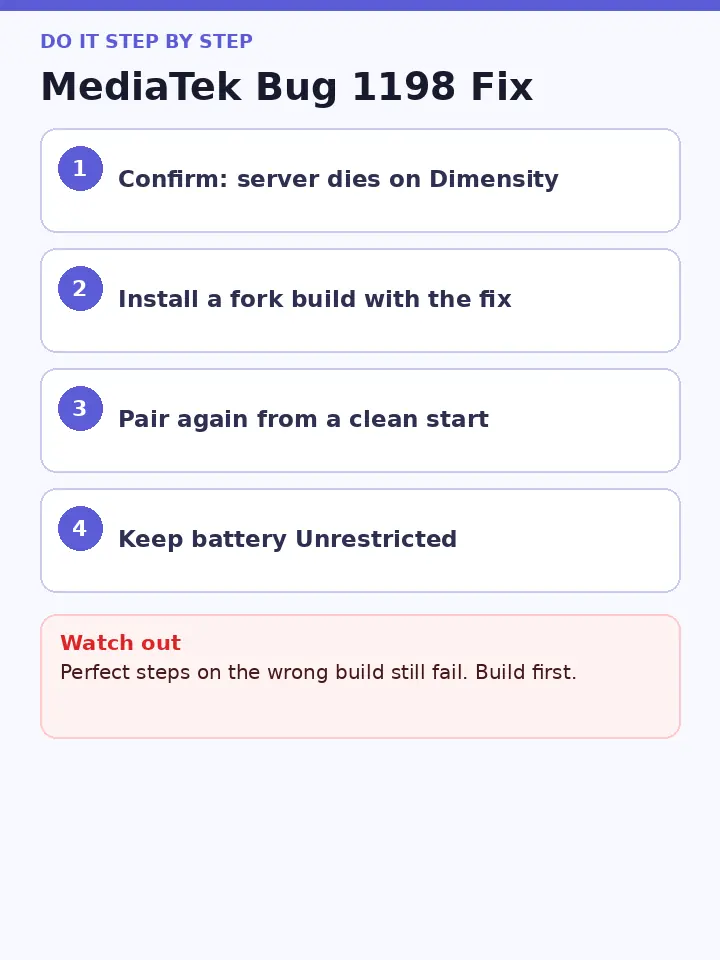
Uninstall the official build first (different signing key), then install thedjchi 13.7.0 from GitHub or Shizuku-Next, both fix the MediaTek issue. Pair and start as usual with the wireless debugging guide.
The 13.5.4 workaround, and what it costs
Some users report the old 13.5.4 build works on MediaTek phones. It can be a stopgap, but it misses Android 16 QPR1 support and trusted Wi-Fi auto-start. The fork is the clean fix. Archive guidance: old versions.
MediaTek, Android 17 and HyperOS 4, the overlap
Many MediaTek phones are Xiaomi / POCO devices, so the Xiaomi account gate can stack on top of the bug, do the Xiaomi steps too. On Android 17 the same fork fixes both problems at once: Android 17 guide.
Frequently Asked Questions
Why is Shizuku not working on my MediaTek phone?+
Bug #1198 in official 13.6.0 breaks user services on Dimensity phones. Install thedjchi 13.7.0 or Shizuku-Next instead.
Does Shizuku work on POCO X7 Pro?+
Yes, with a fork. The POCO X7 Pro is a Dimensity phone hit by bug #1198 in the official build.
What is Shizuku bug #1198?+
A bug in official 13.6.0 where user services fail on MediaTek phones, so Shizuku will not start properly. Both maintained forks fix it.
Will Shizuku 13.5.4 work on a MediaTek phone?+
Some users report it does, but it is old and misses Android 16 support. A fork is the better fix.
Does the MediaTek bug affect Snapdragon phones?+
No. Bug #1198 is MediaTek-specific. Snapdragon phones should use the official build (Android 16 and below).
About this guide
Shizuku MediaTek not working is bug #1198 in official 13.6.0 on Dimensity phones like POCO X7 Pro. The fix: thedjchi 13.7.0 or Shizuku-Next. Plus the 13.5.4 workaround and its cost. This guide is part of shizukuapk.pages.dev, an informational resource about Shizuku APK by Xingchen & Rikka (RikkaApps). It does not host the APK file, downloads link to the official GitHub releases page.
Version, size and hash figures are dated 23 Nov 2026, re-check the GitHub releases page before installing.
Related Guides
Fact-Check, Verified 23 Nov 2026
Fact-checked by Editorial Reviewer (Reviewer & Editor), 23 Nov 2026 - Written by Omer Akbar. The claims on this page, versions, dates, hashes and compatibility statements, were checked against the primary sources on our Sources page, following our Fact-Checking Policy and classified under our Editorial Policy (Official / Reported / Rumor). Found an error? Tell us and it will be re-verified and corrected on this page.