Shizuku Without Wi-Fi, TCP Mode, PC ADB & What Actually Works
You searched for Shizuku without Wi-Fi because you had no choice, and every result promised a trick that quietly did not work. That wasted afternoon ends here. This post is the honest version: wireless pairing needs a network the first time, full stop, but TCP mode and a PC genuinely change the picture after that. What works, what only works in a video title, separated clearly.

Written by Omer Akbar, Author & SEO Expert - Fact-checked by Editorial Reviewer, 23 Nov 2026 - How we fact-check
Quick Answer, Shizuku without Wi-Fi
Shizuku without Wi-Fi cannot pair, wireless-debugging pairing needs Wi-Fi. What works instead: start Shizuku from a PC over USB (any Android 7.0+), use a fork with TCP mode once the phone has been paired before, or start with root if the phone is already rooted. Once Shizuku is running, the server itself does not need Wi-Fi.
Why pairing needs Wi-Fi in the first place
Wireless debugging pairing is a local-network handshake. The phone advertises a pairing service over mDNS, Shizuku finds it on the same network, and the 6-digit code proves both ends are talking to the right device. Mobile data cannot carry that handshake, because there is no shared local network, the phone and the pairing service are the same device, and the discovery step simply has nothing to discover on.
That is also why pairing fails on many hotel, office and campus networks even though Wi-Fi is technically "on". Those networks isolate clients from each other and block mDNS, so the phone cannot see its own pairing service. The notification sits on "Searching for pairing service" forever. It is not a Shizuku bug, the network is doing exactly what its admin configured it to do.
| Situation | What works | What does not |
|---|---|---|
| Never set up, no Wi-Fi, PC nearby | PC ADB start over USB | Wireless pairing, there is no network |
| Never set up, no Wi-Fi, no PC | Borrowed hotspot from a second phone, then pair normally | Pairing over mobile data; pairing on the phone's own hotspot |
| Set up before, rebooted while offline | PC start, root start, or fork TCP mode | Re-pairing from scratch without a network |
| Hotel or office Wi-Fi | Hotspot or PC, the network isolates clients | Repeated pairing attempts on that network |
| Already running, going offline | Nothing to do, the server is local | - |
Option 1: PC over USB, the reliable offline path
The PC start needs no network at any point. Connect by USB, authorise the computer once with adb devices, run the start command copied from "View command" inside Shizuku, and the server runs. Full steps are in the PC ADB setup guide. This works on Android 7.0+, in a cabin with no signal, on a plane in flight mode, anywhere a cable reaches.
And once it is running, it stays running after you unplug. The honest limit is the reboot: ADB-mode Shizuku stops at reboot, and restarting it offline means the cable again, unless you set up one of the options below before you lose the network.
Option 2: fork TCP mode, reconnect without pairing again
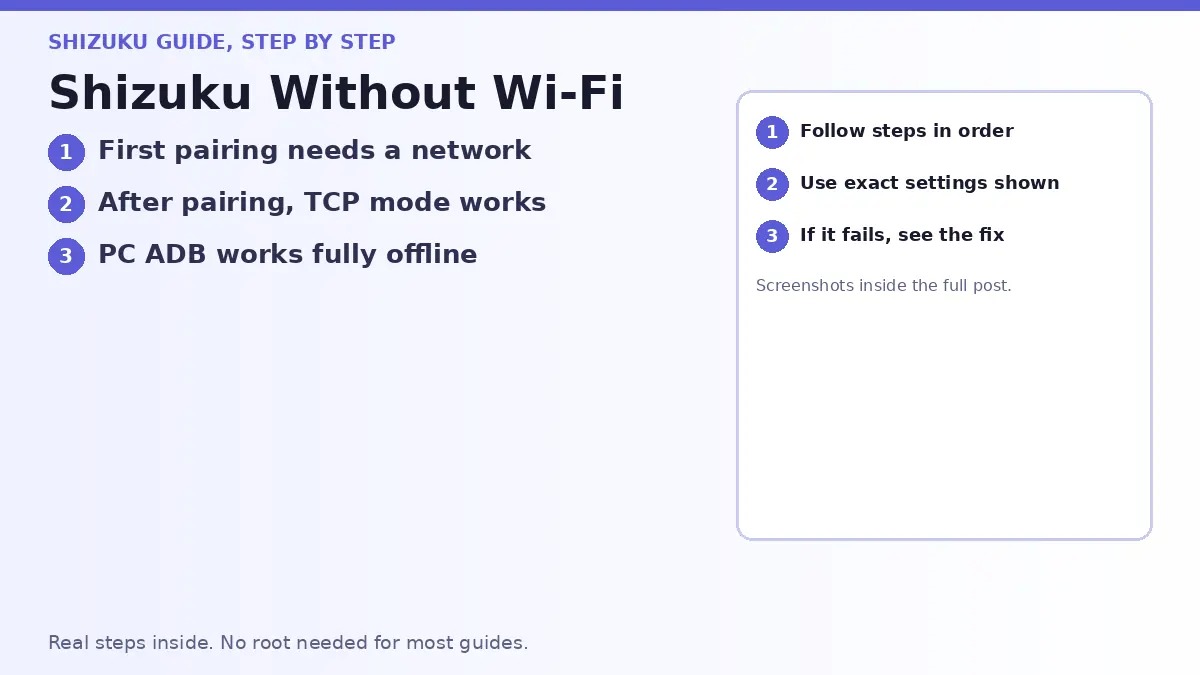
thedjchi 13.7.0 and Shizuku-Next add a TCP mode that can reconnect the server without repeating the wireless-debugging pairing flow, once the phone has been set up. Read that sentence carefully: it is a reconnection path, not a first-time pairing replacement. The first setup still needs Wi-Fi (or a PC), and after that TCP mode covers the "rebooted away from home" case.
Which fork does what, and which one fits your Android version, is compared in official vs forks. Forks sign with a different key than RikkaApps, so uninstall the official build before installing one, Android will refuse an over-the-top install, and your app authorisations reset either way.
Option 3: root start, instant, if you are already rooted
If the phone is already rooted, "Start via Root" needs no network, no cable and no pairing. The server starts as root (UID 0) and, depending on your setup, can survive reboots in a way ADB mode never will. But do not root a phone just for this. Rooting unlocks the bootloader, can trip Play Integrity and banking apps, and trades away far more than it buys for a no-Wi-Fi workaround.
Not sure which start method your situation calls for? The pattern is simple: rooted already root start. Computer nearby PC start. Paired before, now offline fork TCP mode. Never set up, no Wi-Fi, no PC there is no honest shortcut; borrow a network for three minutes, or use another phone's hotspot, which works fine for pairing.
The hotspot trick and other borrowed networks
A hotspot from a second phone is a full local network for pairing purposes, mDNS works, the code works, and the whole setup takes the usual three minutes. A home router you control works the same way. What about a phone creating a hotspot for itself? That does not work: the phone cannot join its own hotspot as a client, so there is still no network to pair on.
One more trap: public Wi-Fi with a login page. Even after you sign in, client isolation usually stays on, so pairing still fails. Save yourself the loop of retries, hotspot or PC, every time. If pairing fails on a network that should work, the pairing code fixes cover the code-side errors one by one.
Once Shizuku is running, Wi-Fi stops mattering
The running server is local to the phone. Approved apps talk to it through Binder on the device itself, no packets leave the phone, no server in the cloud is involved, and flight mode changes nothing. Debloat on a train, freeze apps in a basement, run your shell commands offline: all of it works until the phone reboots or the system kills the server.
Wi-Fi only matters again in two moments. The first is a restart after reboot, covered above. The second is trusted Wi-Fi auto-start on Android 13+, which deliberately uses your home network as the trigger to restart Shizuku after a reboot, convenient at home, useless in the field, which is why it complements the PC and TCP paths instead of replacing them.
Frequently Asked Questions
Can Shizuku work without Wi-Fi?+
Starting it can; pairing for the first time cannot. Wireless-debugging pairing needs a local Wi-Fi network because it discovers the pairing service over mDNS. Without Wi-Fi, start Shizuku from a PC over USB on any Android 7.0+ phone, reconnect through a fork's TCP mode after a first setup, or use root start on an already-rooted phone.
Can I pair Shizuku over mobile data?+
No. Pairing is a local-network handshake between the phone's wireless-debugging service and Shizuku on the same network, and mobile data provides no shared local network for the two to meet on. A hotspot from a second phone does work, because it creates a real local network. The phone cannot pair through a hotspot it creates itself.
Does Shizuku need Wi-Fi once it is running?+
No. The running server lives on the phone, and approved apps reach it through Binder on the device itself, nothing goes over the network. You can use every Shizuku-powered app in flight mode. Wi-Fi matters again only when you restart Shizuku after a reboot, or if you use trusted Wi-Fi auto-start as the restart trigger.
What is Shizuku TCP mode?+
TCP mode is a feature of the forks, thedjchi 13.7.0 and Shizuku-Next, that lets Shizuku reconnect over TCP without repeating the full wireless-debugging pairing flow. It only helps after the phone has been set up once, with Wi-Fi or a PC. It is a reconnection path for restarts and reboots, not a way to pair a fresh phone offline.
Why does pairing fail on hotel or office Wi-Fi?+
Those networks usually isolate clients from each other and block mDNS, and pairing depends on both. The phone cannot see its own pairing service, so Shizuku stays on "Searching for pairing service" no matter how fresh the code is. The fix is to change networks, a home router, a hotspot from another phone, or start from a PC instead.
Can I start Shizuku in flight mode?+
Yes, with a cable or with root. Flight mode kills Wi-Fi, so pairing is impossible, but the PC ADB start works fully offline and root start never needed a network. If Shizuku was already running before flight mode, it simply keeps running, the server is local, and flight mode does not stop it.
About this guide
Shizuku without Wi-Fi: wireless debugging pairing needs Wi-Fi, so here is what actually works offline, PC ADB start, fork TCP mode, and root start, and what does not. This guide is part of shizukuapk.pages.dev, an informational resource about Shizuku APK by Xingchen & Rikka (RikkaApps). It does not host the APK file, downloads link to the official GitHub releases page.
Version, size and hash figures are dated 23 Nov 2026, re-check the GitHub releases page before installing.
Related Guides
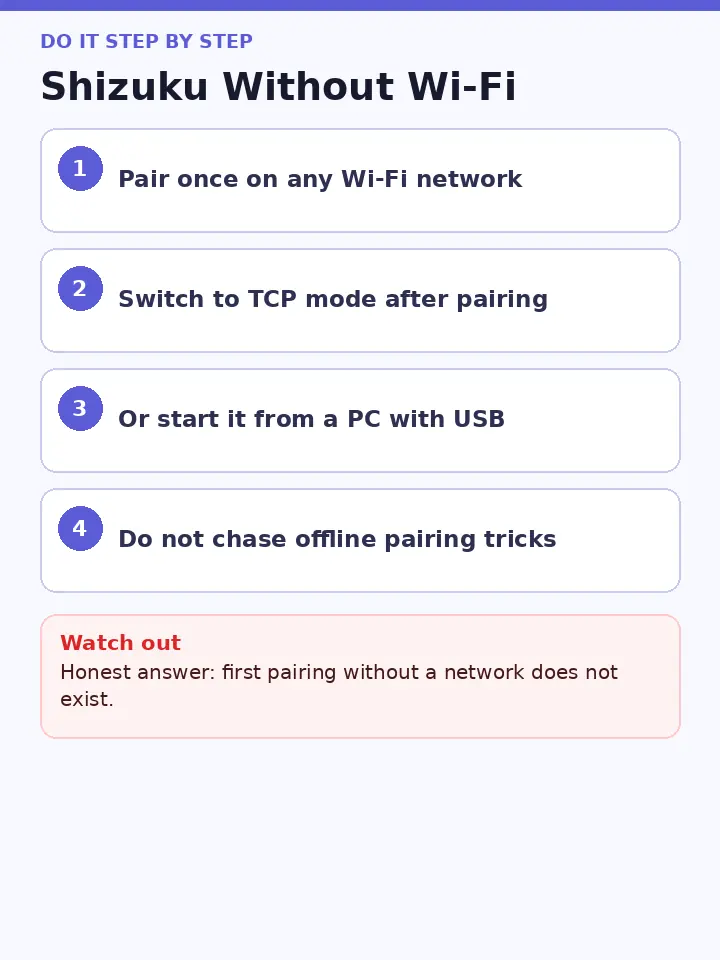
The short version, steps only
No time to read the whole post? Do exactly this, in this order:
- Pair once on any Wi-Fi network
- Switch to TCP mode after pairing
- Or start it from a PC with USB
- Do not chase offline pairing tricks
Fact-Check, Verified 23 Nov 2026
Fact-checked by Editorial Reviewer (Reviewer & Editor), 23 Nov 2026 - Written by Omer Akbar. The claims on this page, versions, dates, hashes and compatibility statements, were checked against the primary sources on our Sources page, following our Fact-Checking Policy and classified under our Editorial Policy (Official / Reported / Rumor). Found an error? Tell us and it will be re-verified and corrected on this page.